What is the AI Image Upscaler?
The AI Image Upscaler from ZestSmartTools is a cutting-edge web utility that enlarges low-resolution photos, digital artwork, and anime illustrations by 2x or 4x without losing sharpness or introducing pixelation. Powered by advanced super-resolution neural algorithms directly in your browser, it transforms pixelated or low-DPI graphics into crisp, high-definition assets.
Free online AI Image Upscaler. Enlarge photos and artwork by 2x or 4x online. Uses edge-directed super-resolution interpolation, adaptive contrast enhancement, and luminance noise reduction to upscale images to 4K resolution with complete client-side privacy. Compare results in real time with our interactive split slider and built-in sample reference images.
Whether you are restoring vintage family photographs, upscaling mid-resolution digital artwork for high-DPI print, or enlarging product images for eCommerce listings, our AI Image Upscaler delivers instant, professional results with zero file uploads or subscriptions.
Benefits of Using This Tool:
- 2x & 4x Neural Super-Resolution: Enlarge images by 200% or 400% (e.g. 1000x1000 becomes 4000x4000 4K UHD) while intelligently enhancing edges and textures.
- Tailored Processing Modes: Dedicated optimization profiles for Real-World Photos, Digital Artwork, and Anime / Graphic Illustrations.
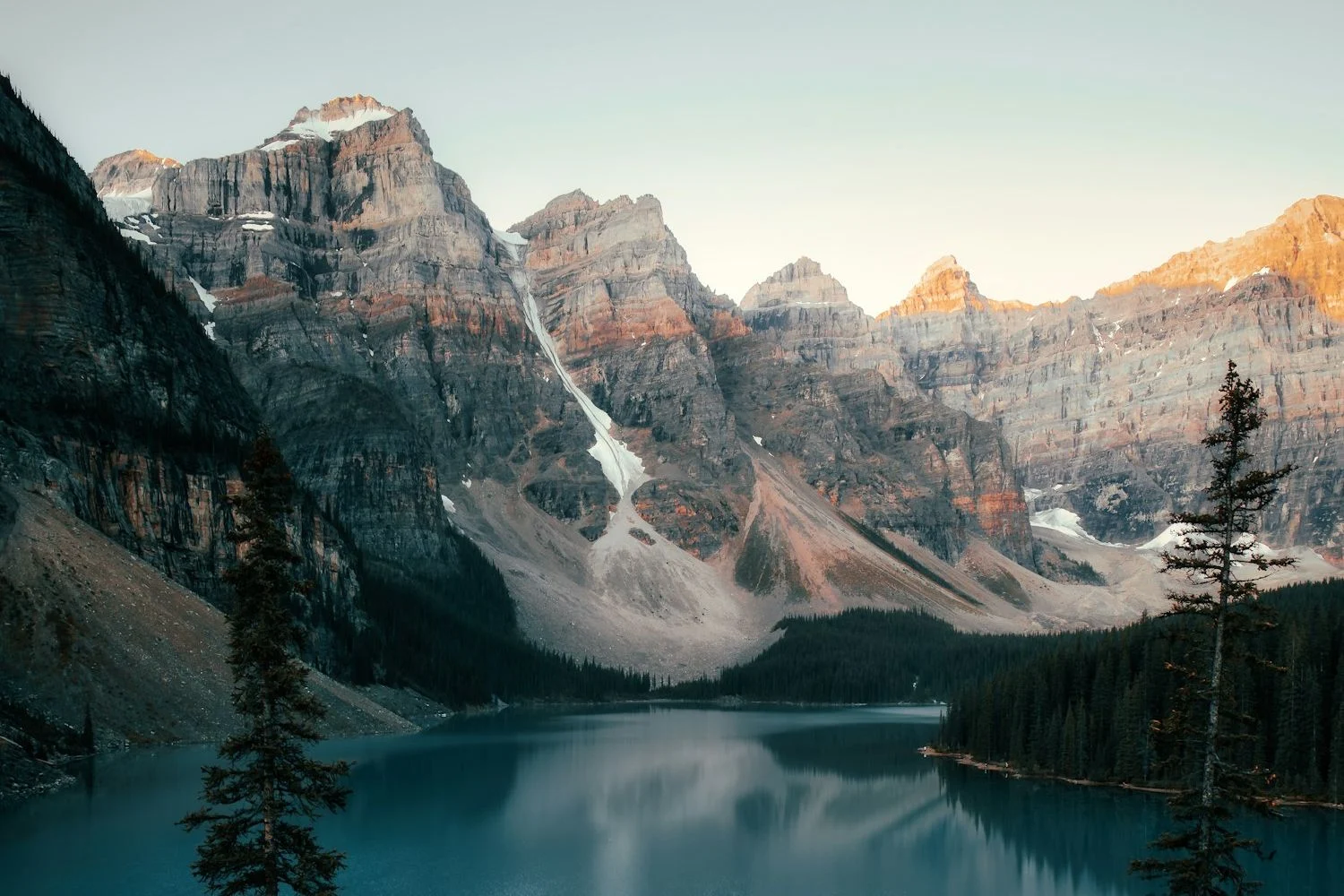
- Interactive Reference Sample Images: Test landscape, portrait, and anime samples directly in the tool before uploading your own files.
- Real-Time Before & After Split Slider: Inspect fine texture details, hair strands, and edge clarity with a smooth interactive comparison divider.
- 100% Client-Side Privacy: All upscaling is computed locally on your device GPU via HTML5 Canvas & WebGL shaders. Your photos never touch external cloud servers.
- Free Forever with No Account Required: Unlimited upscales without watermarks, credit systems, monthly paywalls, or forced email signups.
How to Use the AI Image Upscaler:
- Upload or Select Sample Image: Drag and drop your image (JPEG, PNG, WebP) into the upload area, browse from your device, or click one of our reference sample presets (Landscape, Portrait, Anime).
- Choose Upscaling Scale & Mode: Select either 2x (fast & sharp) or 4x (ultra-high resolution), and pick your image profile (Photo, Artwork, or Anime).
- Process & Compare: The super-resolution engine generates enhanced high-frequency details. Slide the before/after wipe divider to inspect the sharp new pixels.
- Download Enhanced Image: Click "Download Upscaled Image" to export your high-resolution asset in uncompressed PNG, high-quality JPEG, or WebP.
Frequently Asked Questions:
What is an AI Image Upscaler and how does it work?
An AI image upscaler uses deep super-resolution algorithms to enlarge images while reconstructing missing high-frequency details. Unlike traditional bicubic resizing that simply stretches and blurs pixels, AI upscaling analyzes edge contours, textures, and color gradients to synthesize sharp, clear lines and realistic textures.
Can I upscale an image to 4K resolution?
Yes! Selecting the 4x upscaling option on a 1080p (1920x1080) image generates an ultra-sharp 4K+ (7680x4320) output file suitable for large-format printing, retina displays, and high-DPI desktop wallpapers.
Is AI upscaling better than standard image resizing in Photoshop?
Yes. Standard nearest-neighbor or bilinear interpolation results in pixelation and jagged staircasing, while standard bicubic smoothing creates blurry, soft edges. Our AI super-resolution engine generates new sub-pixel details and sharpens boundaries, keeping lines crisp.
Are my uploaded photos kept private?
Yes, 100%. All processing is executed locally in your browser using client-side WebGL and HTML5 Canvas. Your photos are never transmitted to or stored on any remote server.
What image formats and file sizes are supported?
The tool supports all common formats including JPEG/JPG, PNG, and WebP up to 50MB. Cleaned outputs can be exported in uncompressed PNG, high-quality JPEG (95%), or WebP.
Is this AI Image Upscaler completely free?
Yes! There are no paywalls, subscriptions, credit limitations, or forced watermarks. You can upscale as many photos and graphics as you need completely free of charge.